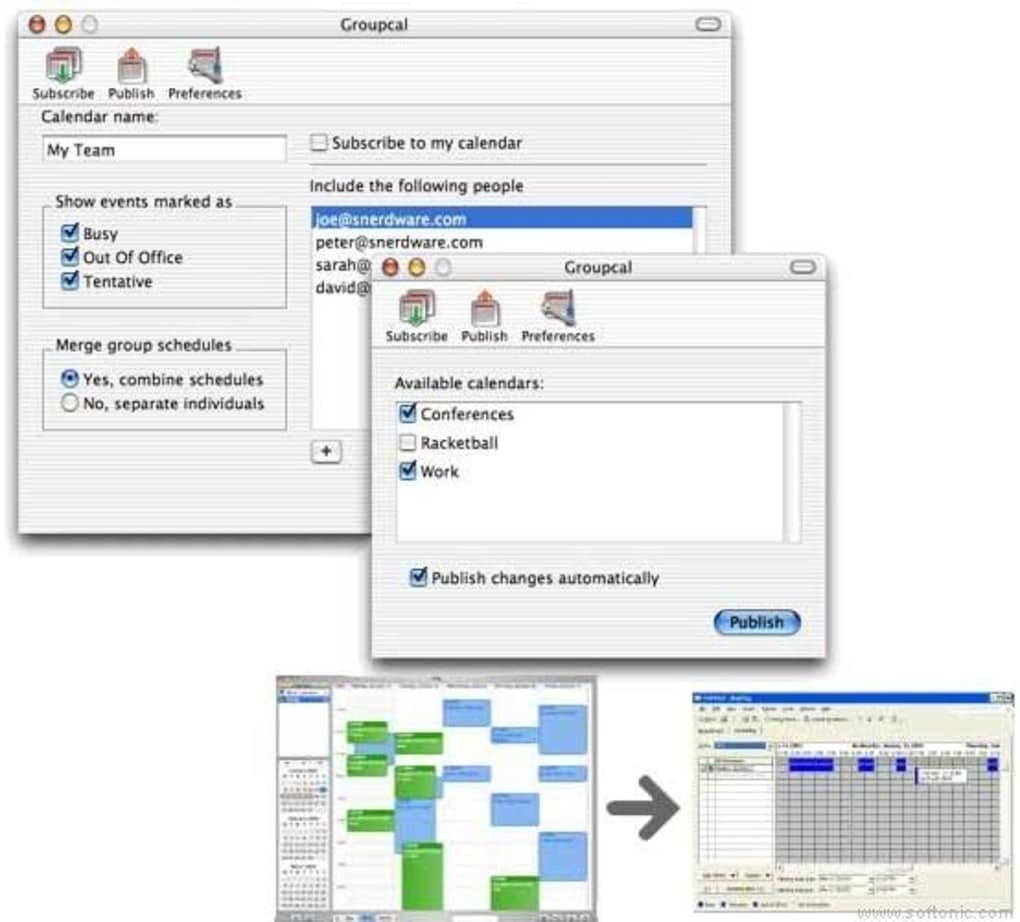

Publish and share iCal calendars with Exchange GroupCal is a handy, trial version Mac program, being part of the category Productivity software with subcategory Calendars & Planners. More about GroupCal Since the program was added to our catalog in 2006, it has obtained 2,488 downloads, and last week it had 0 downloads. GroupCal is a program that requires less storage space than many software in the section Productivity software.
Its current version is 3.90 and it has been updated on 6/19/2007. GroupCal is available for users with the operating system Mac OS X and previous versions, and you can download it only in English. Changes worked with MarkSpace and made changes to help ensure that Groupcal works smoothly in conjunction with MarkSpace's syncers (our understanding is that MarkSpace is also going to release a version with their changes) added 5-minute and 10-minute interval selections for auto syncing added code to enable Groupcal to work around a problem where, in certain cases, Exchange doesn't correctly report and/or update recurring events ...
this fixes multiple obscure issues with recurring and detached events ixed a problem where an event having an empty description wouldn't sync and could be deleted fixed a problem where the sync-delaying entry in the Menu Extra wasn't enabled when it should have been fixed a Free/Busy calendar problem where the e-mail address could be used instead of the name added some new/missing timezone entries added some minor user-interface improvements/clarifications







